Cumulation of Momentum (COM) Indicator
Measure cumulative trend strength to identify potential trend endings and breakout opportunities. Equivalent to MACD settings (12, 26, EMA), this indicator helps you time entries at key inflection points.
How Cumulation of Momentum (COM) Works
COM calculates cumulative momentum using the formula: Fast EMA - Slow EMA. It helps identify accumulation phases before breakouts and divergences that signal potential reversals.
Usage Tips
- For breakouts: Look for accumulation range, then COM test of zero line, then breakout
- For reversals: Watch for divergence between price and COM
- Stronger trends may show multiple divergences before reversing
- Equivalent to MACD with 12/26 EMA settings
Key Features
Breakout Identification
Spot accumulation phases before price breaks out
Divergence Detection
Identify potential reversals through price/momentum divergence
Trend Strength
Measure cumulative momentum for trend analysis
MACD Equivalent
Same logic as MACD - works on any platform
Download Cumulation of Momentum (COM)
Click the button below to download the indicator files. Completely free, no signup required.
5,500 downloads
How to Install (5 Steps)
Download the Indicator
Click the download button to get the ZIP file
Extract Files
Unzip to access the indicator file
Copy to Indicators
In MT4: File > Open Data Folder > MQL4 > Indicators
Restart MT4
Close and reopen MetaTrader 4
Attach to Chart
Drag from Navigator onto your chart
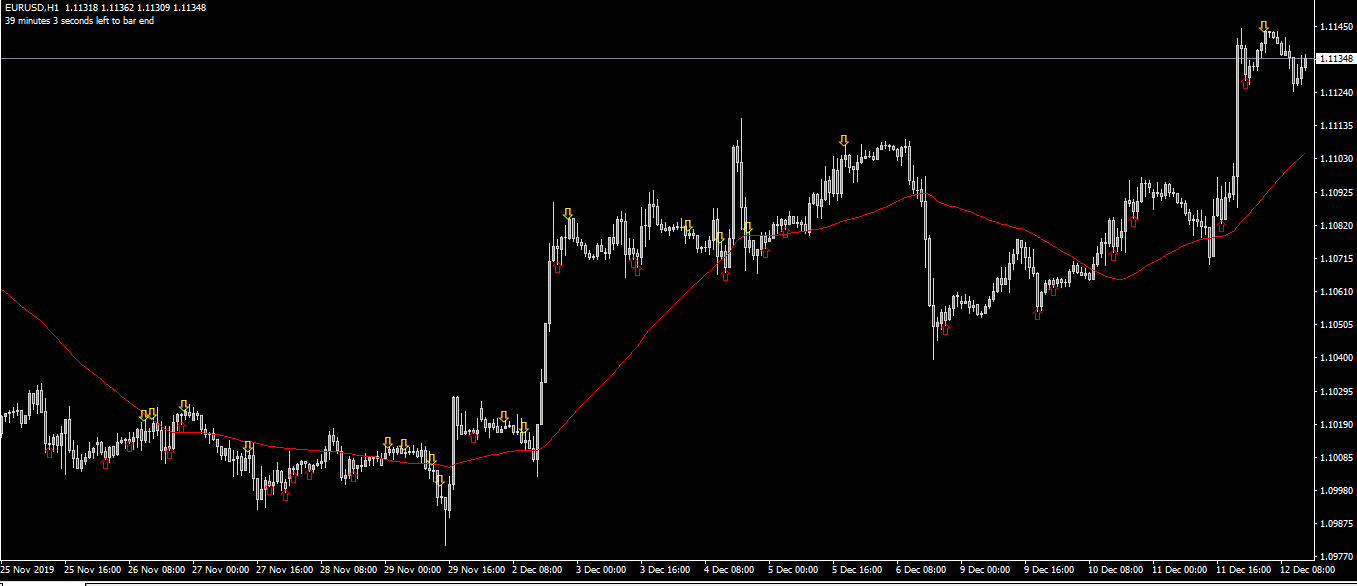
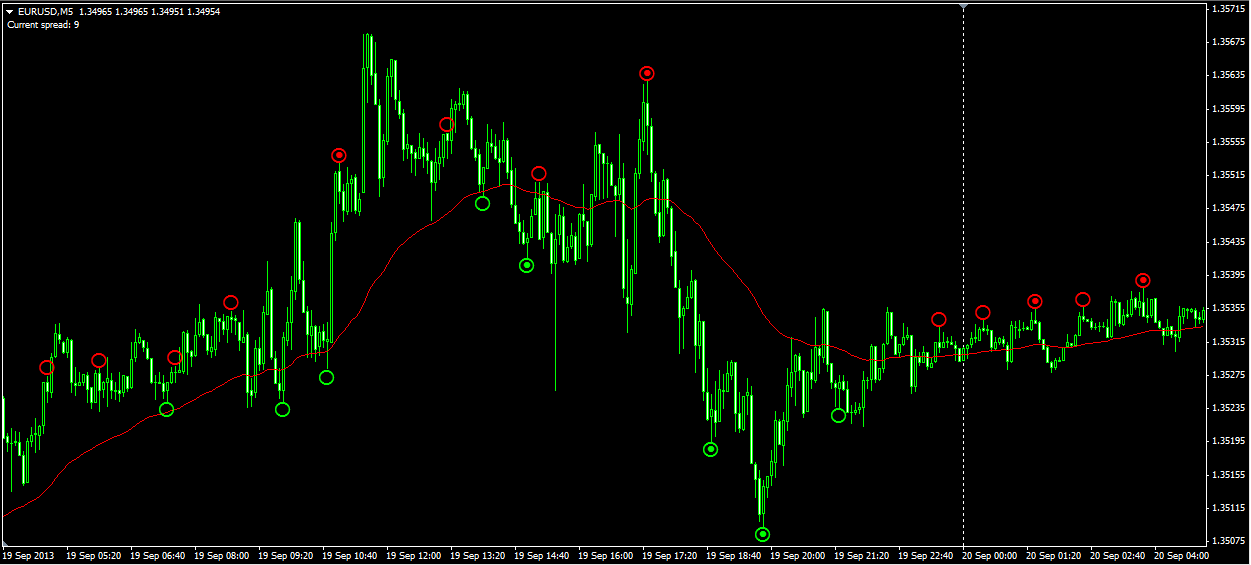
Screenshots
Frequently Asked Questions
How is COM different from MACD?
COM is essentially equivalent to MACD with settings of 12 (length), 26 (MA length), using exponential moving averages. Formula: COM = Fast EMA – Slow EMA.
Can I use this on TradingView?
Yes, use the standard MACD indicator with settings 12, 26, and close price. It produces the same output as COM.
Does it work on stocks?
Yes, COM can be applied to equity markets, forex, and other tradeable instruments.
Save on Every Trade
Use Cumulation of Momentum (COM) with these brokers and get instant commission discounts

IC Markets
$1.50/lot (21.5% off) instant discount
Trade breakouts with fast execution
Ready to Use Cumulation of Momentum (COM)?
Download now and start identifying better trading opportunities
Download Free100% free, no signup required. Works with MT4.