Squeeze Break MT4 Indicator
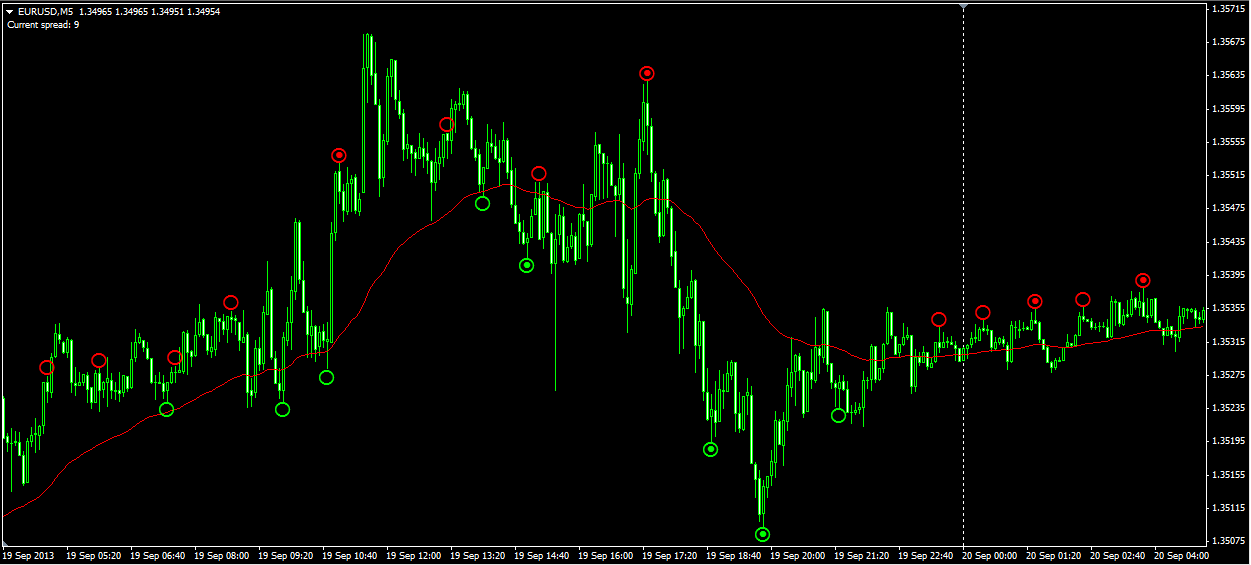
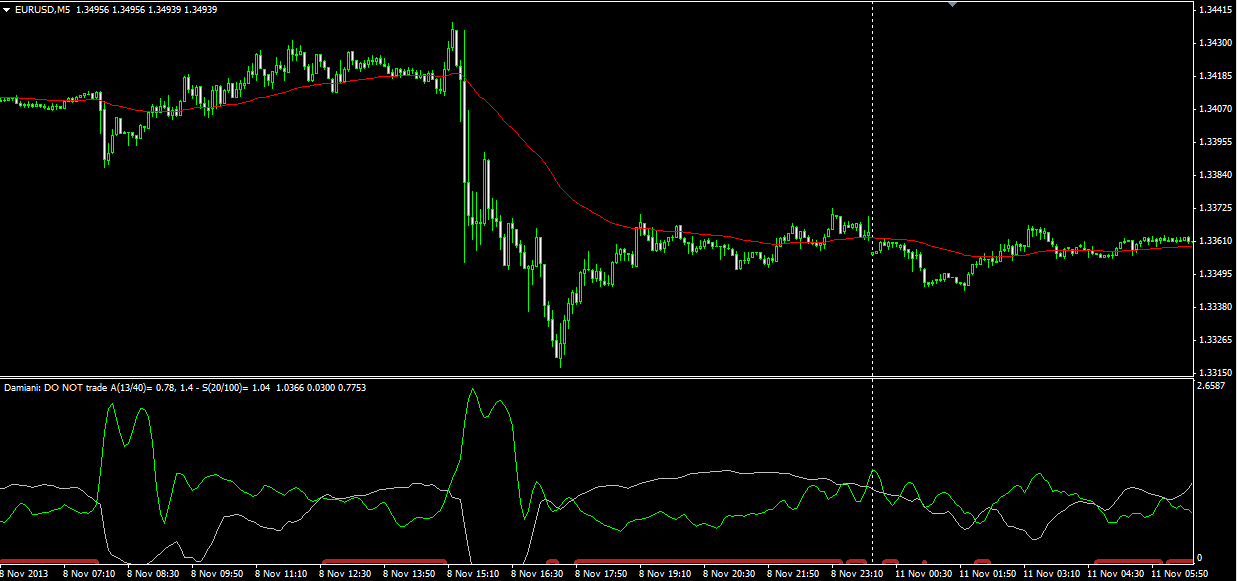
Identify ranging vs trending markets using a combination of Bollinger Bands and Keltner Channels. Red signals indicate consolidation (squeeze), while green signals show breakout conditions - helping you choose the right trading strategy.
How Squeeze Break Indicator Works
The indicator compares Bollinger Bands to Keltner Channels. When Bollinger Bands contract inside the Keltner Channel, the market is ranging (squeeze). When they expand outside, a trend is developing.
Red (Squeeze/Ranging)
Bollinger Bands inside Keltner Channel - use range-bound strategies
Green (Trending)
Bollinger Bands outside Keltner Channel - use trend-following strategies
Usage Tips
- During red (squeeze): Trade bounces from support/resistance
- During green (trending): Use moving average crossovers and trend entries
- A 12-period momentum indicator (blue dotted line) helps determine trend direction
- Works on all timeframes and markets including indices
Key Features
Non-Repainting
Signals are confirmed and do not change retroactively
Clear Visual Signals
Simple red/green color coding for market conditions
Momentum Included
Built-in momentum indicator for direction confirmation
Multi-Market
Works on forex, indices, and commodities
Download Squeeze Break Indicator
Click the button below to download the indicator files. Completely free, no signup required.
9,500 downloads
How to Install (5 Steps)
Download the Indicator
Click the download button to get the ZIP file
Extract Files
Unzip to access the indicator file
Copy to Indicators
In MT4: File > Open Data Folder > MQL4 > Indicators
Restart MT4
Close and reopen MetaTrader 4
Attach to Chart
Drag the indicator from Navigator onto your chart
Screenshots
Frequently Asked Questions
Does the Squeeze Break indicator repaint?
No, the indicator does not repaint. Once a signal (red or green) is confirmed at bar close, it remains fixed.
How do I know the trend direction during green signals?
Use the included momentum indicator. When momentum is above zero during a green signal, the trend is bullish. Below zero indicates bearish.
Can I use this on indices like S&P 500?
Yes, the indicator works on major indices and other markets. You may need to adjust parameters for different asset classes.
Save on Every Trade
Use Squeeze Break Indicator with these brokers and get instant commission discounts

IC Markets
$1.50/lot (21.5% off) instant discount
Trade breakouts with tight spreads
Ready to Use Squeeze Break Indicator?
Download now and start identifying better trading opportunities
Download Free100% free, no signup required. Works with MT4.